Drawn, not filmed
The cover and every step are drawn as an illustration in the card style when you import. zesti never stores video frames or photos from the post, yet your library still looks like a deck of cards.
Share a cooking video with zesti and get an illustrated recipe card you can use to plan your week with a swipe.
The pasta reel is lost somewhere among a hundred others. To cook it, you watch it five times and take notes. zesti turns it into a card you can find again.
You stay in your feed. The zesti sheet slides over the video, reads the recipe and is gone again after one tap.
One recipe card in your libraryabout 30 sec.
 with feta
The heart plans the recipe for the marked day, X shows the next one, the bolt means: no cooking today. Then zesti jumps to the next day. Try it right here, with a mouse, your thumb or the keyboard.
The cover and every step are drawn as an illustration in the card style when you import. zesti never stores video frames or photos from the post, yet your library still looks like a deck of cards.
In cooking mode one step fills the display, with a timer where the step needs one. The display stays on, and swiping or tapping moves you on, even with flour on your fingers.
The servings slider scales every ingredient. Amounts that were missing in the video are estimated and marked by zesti, so you know where to double-check.
Every card links the original post and names who made it. zesti only reads public posts you share yourself and takes you back to the video with one tap.
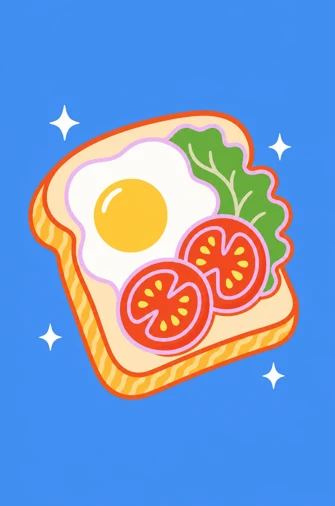
Egg toast with tomato
Illustrations AI-generated
Shakshuka with feta
25 min8 ingredients2 serv.TikTok
Egg toast with tomato
10 min5 ingredients1 serv.Instagram
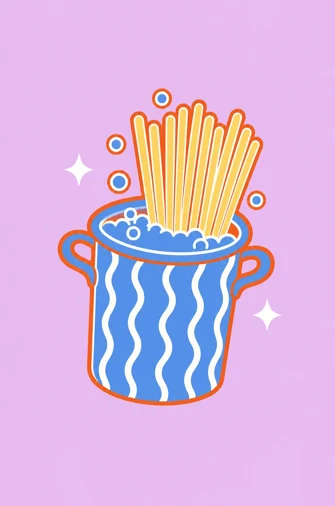
Spaghetti aglio e olio
15 min5 ingredients2 serv.Instagram
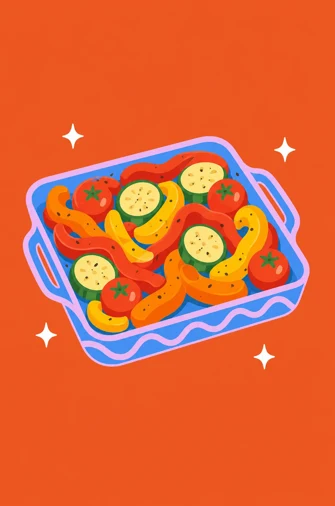
Sheet-pan roasted veg
35 min7 ingredients3 serv.TikTok
Fluffy pancakes
20 min5 ingredients4 serv.TikTok
Red onion pickles
10 min4 ingredients1 jarWebsite
Creamy vegetable soup
30 min9 ingredients4 serv.Instagram
Your next recipe
SharezestiSavedone
Getting started is free: you import 3 recipes per calendar month. If you want more, there is zesti Pro, a subscription through the App Store with unlimited imports. Before you buy you can see how the trial works, and you can ask to be reminded before it ends.
Yes, once. You sign in with Apple, Google, or email and password. That ties your recipes and your plan to you, so they are back on a new phone too. You can sign out at any time in the settings, and you can delete your account there too.
No. A server downloads the audio and about 20 still frames, reads the recipe from them and deletes the video right away. Only the drawn illustrations are kept, private to you. Raw data disappears after 30 days.
Public reels, posts and carousels from TikTok and Instagram, YouTube (Shorts and videos up to 20 minutes) and regular recipe websites. zesti cannot read private posts or content behind a login, and the app tells you so.
Yes, as a basic app. You share links from TikTok, Instagram or the browser to zesti and the import runs in the app. The sheet directly over the reel is only available on iPhone.
Then zesti estimates them and marks them subtly so you know where to double-check. zesti does not make up times and temperatures that are not in the post.
Yes. In the app you scan up to three photos of a cookbook page or a recipe slip. zesti reads ingredients and steps and turns them into a card. zesti deletes the photos after an hour at the latest.

The iPhone app is almost ready. As soon as it is online, you will find it here.
We only use your email to reply to you.